
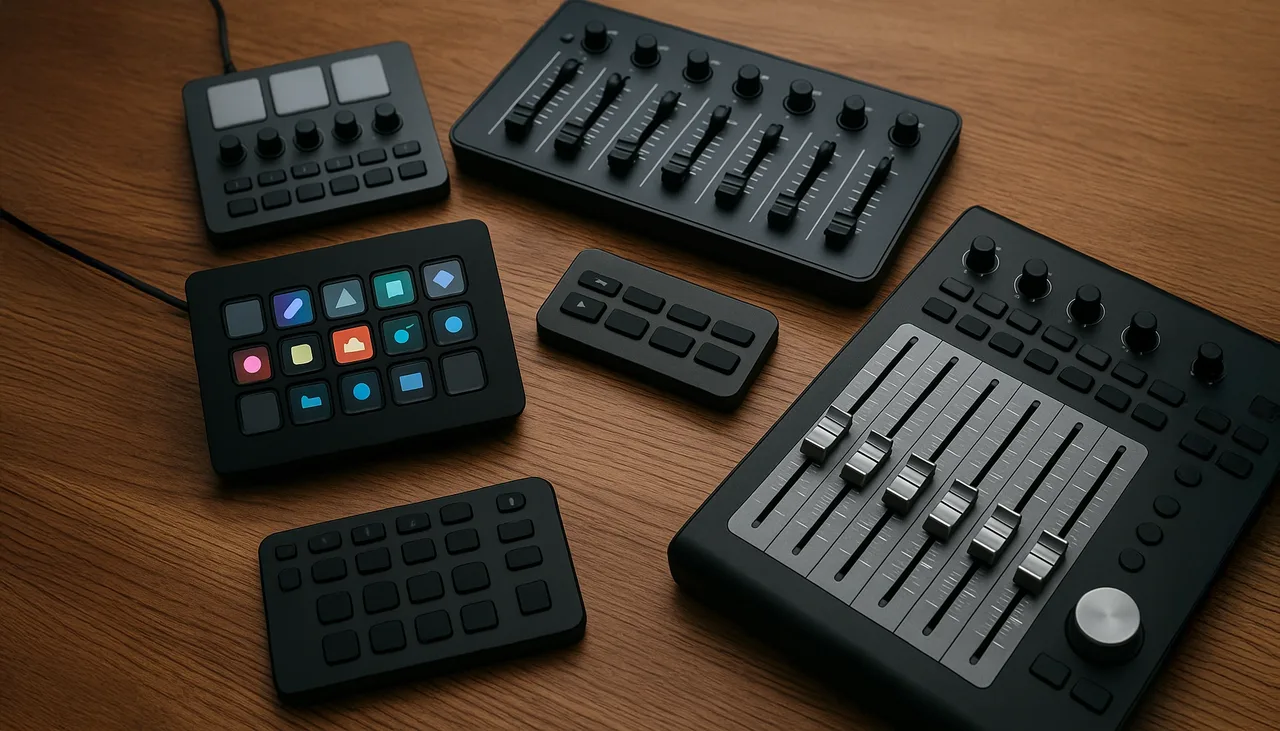
The perfect controller does not exist in isolation. It exists only in relation to a particular operator, software layout, transport case and show. A controller can feel ideal in a studio and become a liability when the room is dark, the desk is crowded and a cue must be found without looking down.
Start with the actions, not the product
Before comparing models, list the actions that must remain physical. Clip triggers, layer opacity, effect amounts, speed, composition bypass and a small group of safety controls usually deserve different kinds of hardware. A button is good for a state change. A fader communicates position. An endless encoder can move through a large range, but it may be slower when an exact value must be reached immediately.
This list reveals whether the workflow needs twenty controls or eighty. It also prevents a common mistake: buying the controller with the most buttons and then forcing the show to fit its layout.
Five questions that matter on a show
Can the control be found by touch?
Spacing, resistance and physical landmarks matter more than product photographs suggest. Corner buttons, different cap shapes and clear groups reduce the need to look away from the output.
Does it show its current state?
LED feedback, motorized faders and labeled displays can help, but only when the software sends useful feedback and the mapping is tested. A bright pad is not proof that the application accepted the command. Critical states should remain visible in the playback interface as well.
Will it survive the transport routine?
Size is part of reliability. The controller needs a repeatable place in the case, enough protection for knobs and connectors, and cables that can be replaced locally. A compact unit that always travels with the system is often more valuable than a beautiful surface that stays in the studio.
Can the map be rebuilt?
Presets, screenshots and a simple mapping sheet are part of the controller. If a computer or device must be replaced, the show should not depend on remembering dozens of assignments under pressure.
What happens when it disappears?
The most important functions need a keyboard or interface fallback. A USB device can disconnect, enumerate in a different order or receive the wrong profile. Losing the controller should reduce comfort, not remove the ability to keep the output safe.
A better definition of “perfect”
The right controller exposes the decisions that need human timing and hides everything else. For one show that may mean a compact fader bank and a Stream Deck-style button surface. For another it may be a single MIDI device with a disciplined page structure. More hardware is not automatically more control.
Choose the layout that can be explained, tested and recovered. If the operator can identify every critical control in the dark and another technician can restore the mapping from the documentation, the controller is doing its job.
Field checklist
- Map only the controls that benefit from immediate physical access.
- Separate creative controls from blackout, bypass and recovery actions.
- Label the hardware and save a screenshot of the software mapping.
- Test connection order, MIDI feedback and the backup computer.
- Keep a keyboard path to every critical function.